Just make sure to install exiftool
first before you use this tool. On Windows please remove the (-k) from the filename and put the executable inside the plugin folder or at any other place where you prefer to have it. On Mac OS X it’s an installable package anyways.
As of Version 1.9.0 ExifTool comes bundled with the plugin.
You need at least Lightroom 3 to run this plugin.
Download LensTagger-1.9.2.lrplugin
LensTagger is free! Free to download, free to use, free as in beer. There is no extra version for those that have donated. If you have already donated: Thank you very much, I really appreciate it!
Need help installing LensTagger?
Changelog
Changes in Version 1.9.2:
- exiftool 12.37
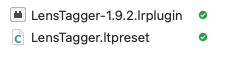
- Presets are now saved in an external file “LensTagger.ltpreset” beside the plugin every time the plugin is launched and also when saving a new preset. This makes moving to a new computer easier as you won’t lose your presets when you regularly backup your plugins folder or you want to start with a fresh Lightroom configuration
- Some options are translated into German. If you want to help Translating LensTagger into your language, please contact me.
Changes in Version 1.9.1:
- exiftool 11.75
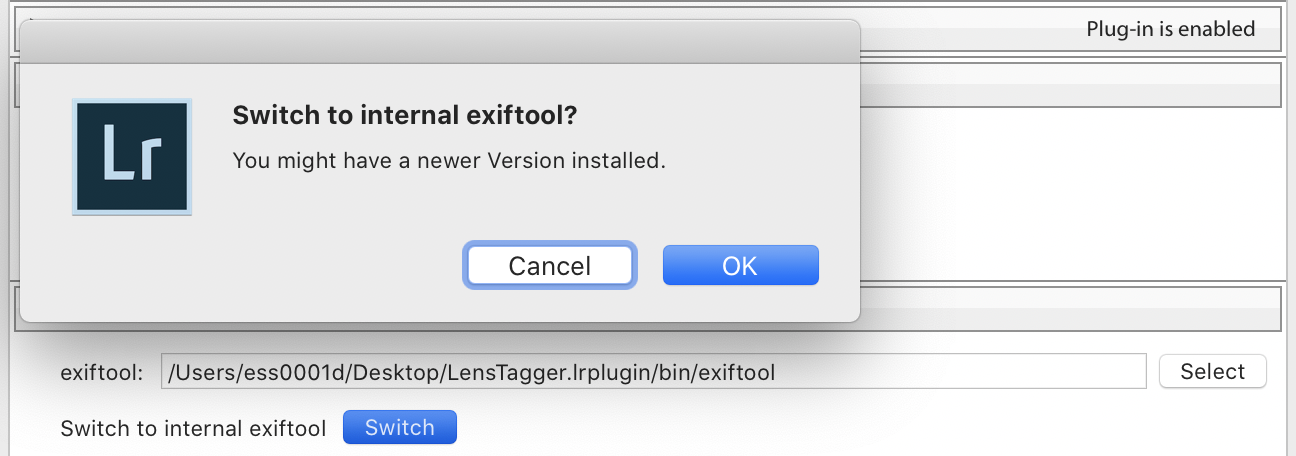
- You can now set LensTagger to use the internal exiftool from the Plugin Manager
Changes in Version 1.9.0:
- exiftool 10.80 (bundled with plugin)
- ExifTool now comes bundled with the plugin - no separate installation required
- Improved preset handling
- Better error messages
Changes in Version 1.7.6:
- exiftool 10.36
- Minor bug fixes and improvements